Free
€0forever
8 widgets, from clocks and your calendar to the weather and your Mac’s batteries, with every customization option.
- Time
- Analog Clock
- Calendar
- Focus Timer
- System Pulse
- Batteries
- Weather
- Moon Phase
47 live, native widgets show your calendar, the weather, your music and how your Mac is doing. They sit behind your windows, snap to one grid and share one look you choose. Each one reads its data on your Mac.
Every widget free for 14 days · 8 free forever · macOS 14+ · Apple silicon · Notarized by Apple
Also on Setapp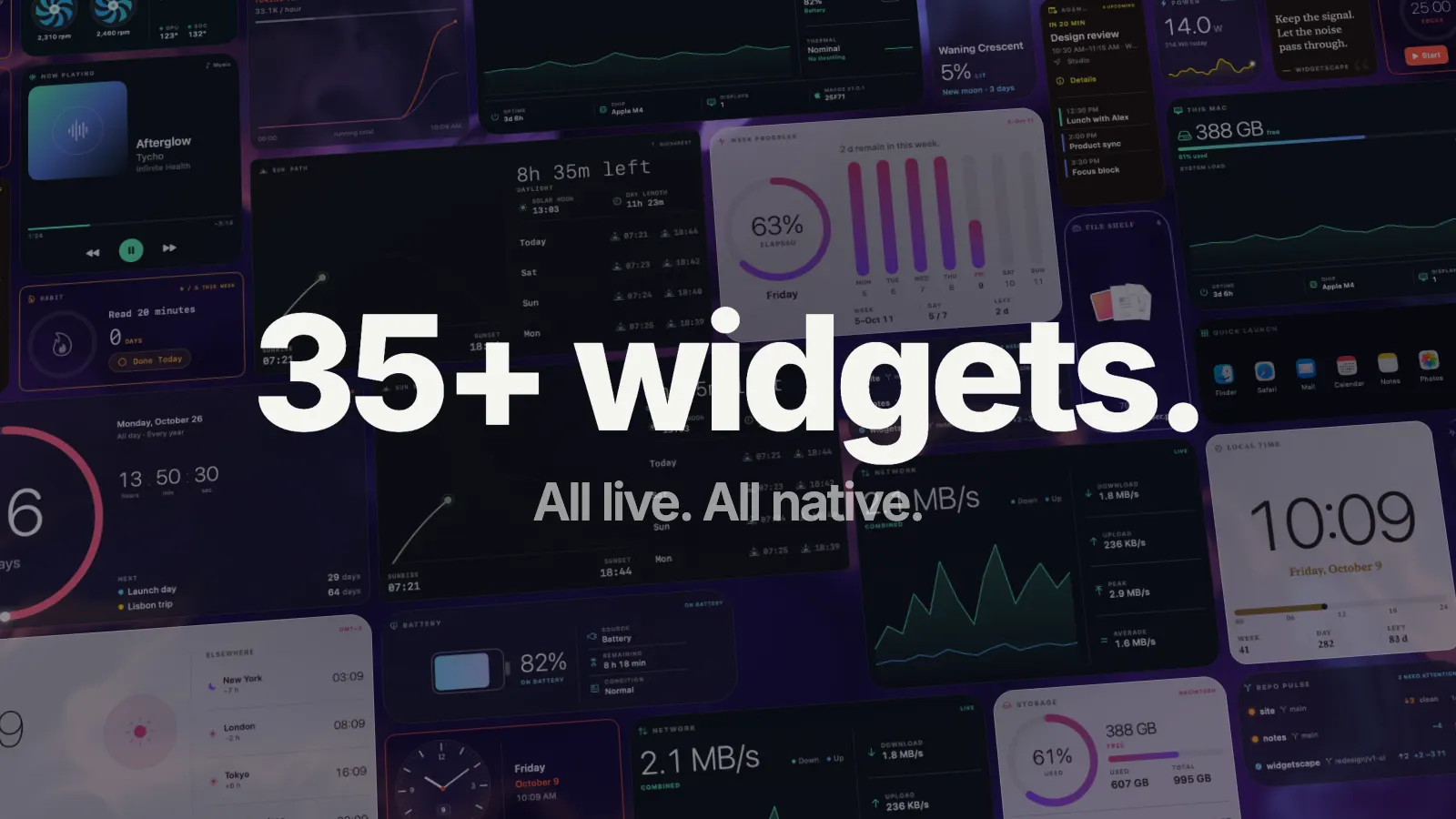
The collection
Each comes in up to eight sizes, with its own styles and options and a line that says what it reads.
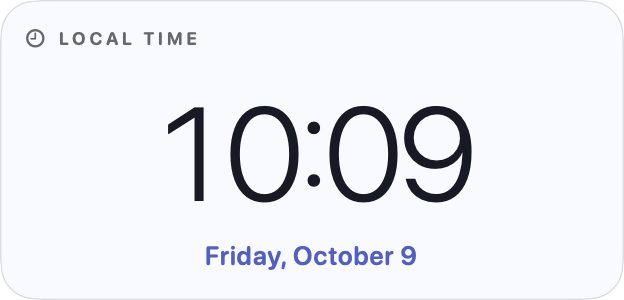
Local time and date
Time & Date. Reads: Uses no data
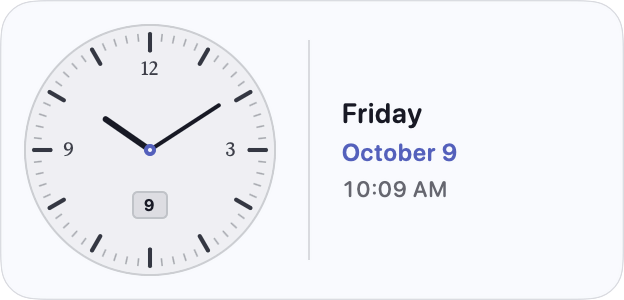
Five expressive analog faces
Time & Date. Reads: Uses no data
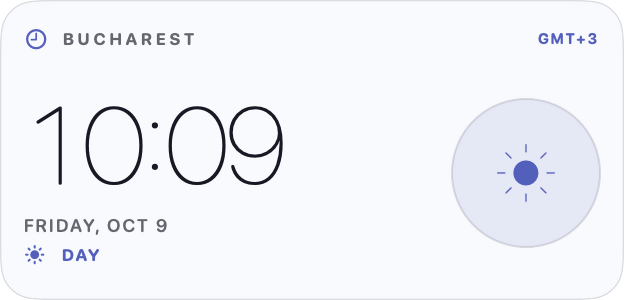
Local and remote time at a glance
Time & Date. Reads: Uses no data
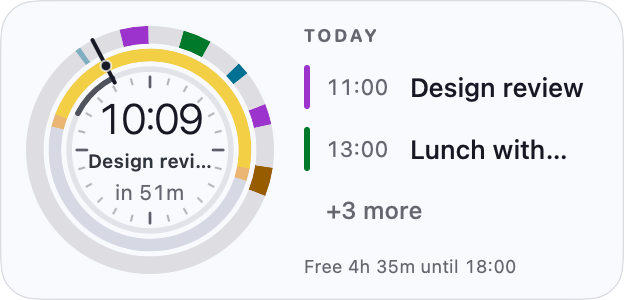
Your day on a 24-hour dial
Time & Date. Reads: Calendars, and sunrise worked out on this Mac
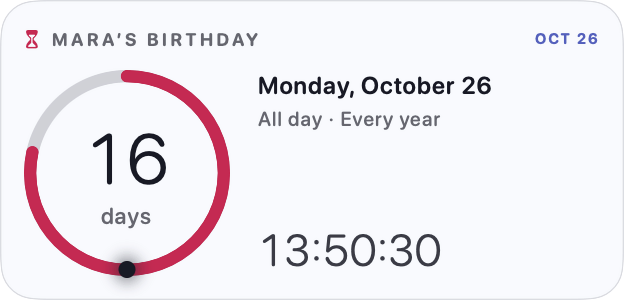
Days until the dates that matter
Time & Date. Reads: Only the dates you add
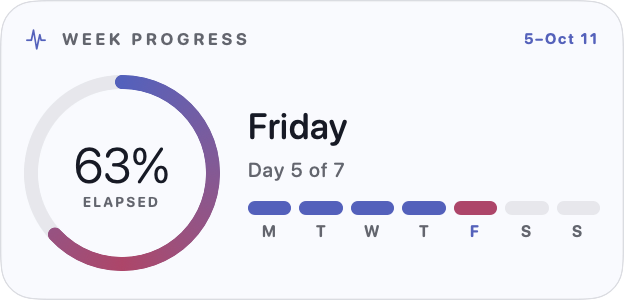
Week rhythm and completion
Time & Date. Reads: Uses no data
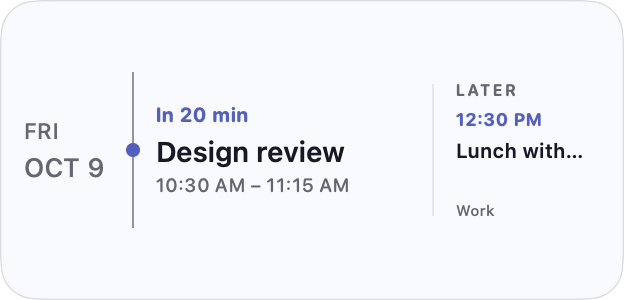
Month and today's agenda
Calendar & Tasks. Reads: Calendars, on this Mac
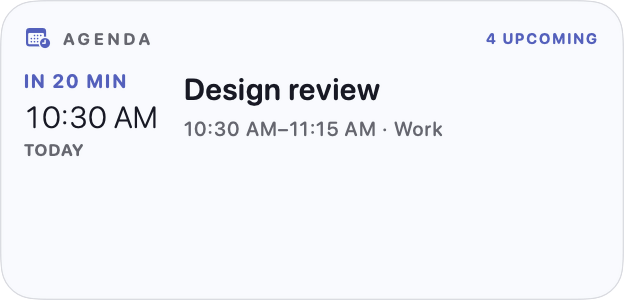
The next moments in your day
Calendar & Tasks. Reads: Calendars, on this Mac
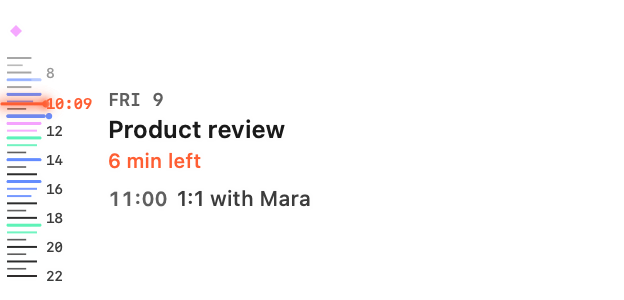
Your day as a radio dial along the screen edge
Calendar & Tasks. Reads: Calendars, on this Mac
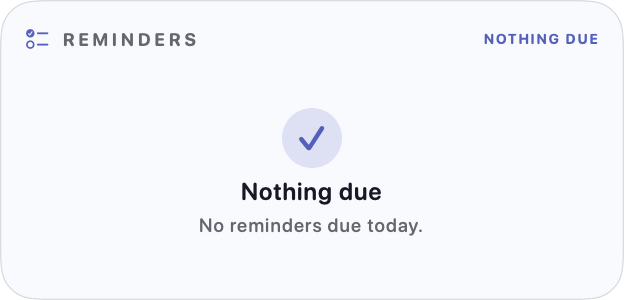
Today's reminders and what is overdue
Calendar & Tasks. Reads: Reminders, on this Mac
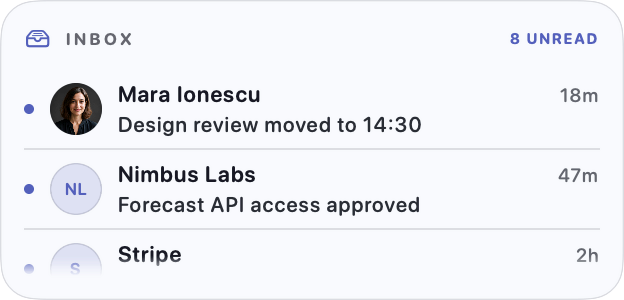
Inbox, priorities and replies at a glance
Calendar & Tasks. Reads: A mail account you connect, read-only
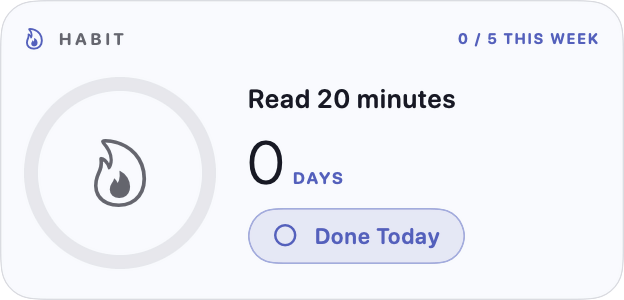
Daily consistency and streaks
Calendar & Tasks. Reads: Uses no data
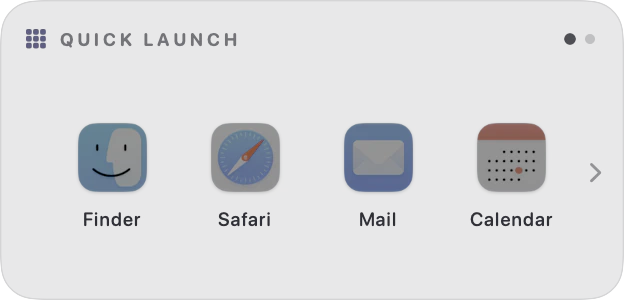
Your favourite apps, shortcuts, files and links, one click away
Desktop Tools. Reads: Only what you add
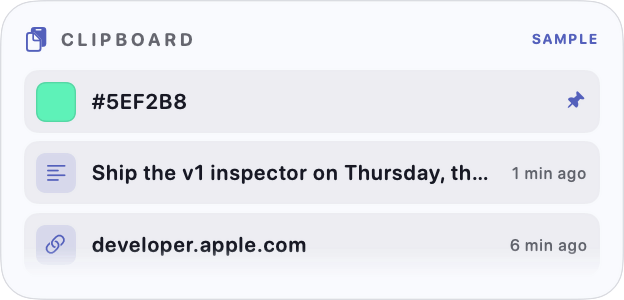
Recent copies, ready to paste again
Desktop Tools. Reads: What you copy, kept on this Mac
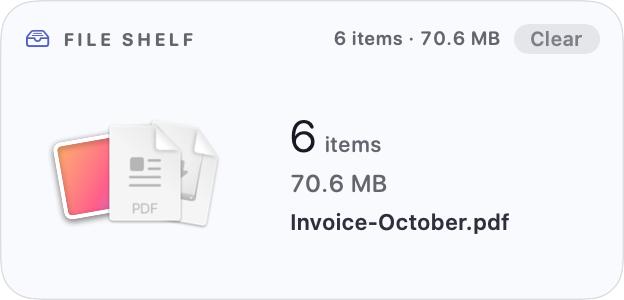
Files you drop, kept close at hand
Desktop Tools. Reads: Files you drop on it, on this Mac

A note, a checklist or a scratchpad
Desktop Tools. Reads: What you type, kept on this Mac
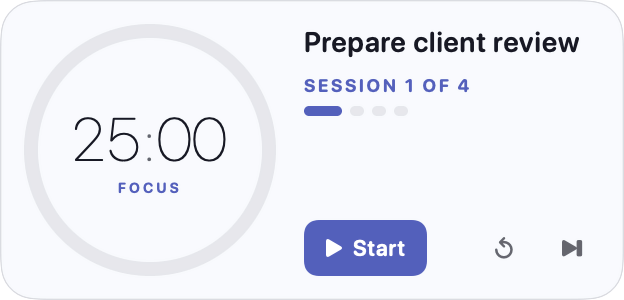
A calm visual focus session
Desktop Tools. Reads: Uses no data
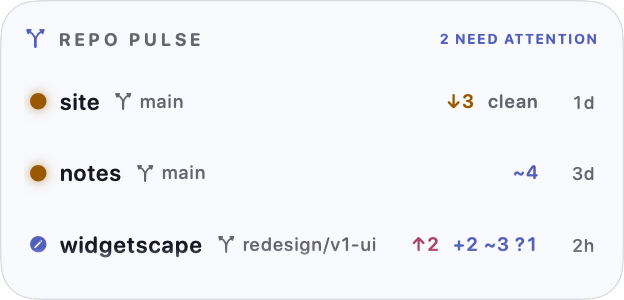
Branches, changes and commits in your repositories
Desktop Tools. Reads: Git status of folders you choose
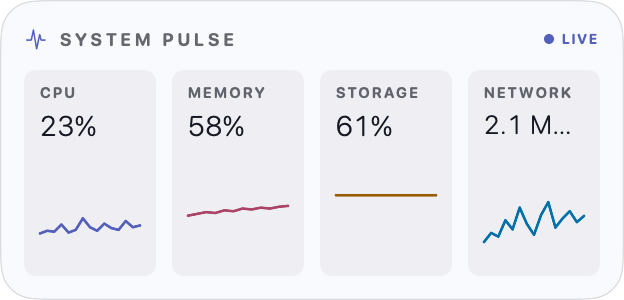
CPU, memory and thermal state
Performance. Reads: System readings, on this Mac
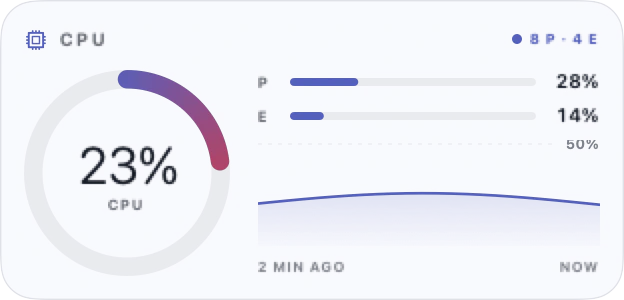
Total, P and E cores, per-core load
Performance. Reads: Processor load and the busiest apps, on this Mac
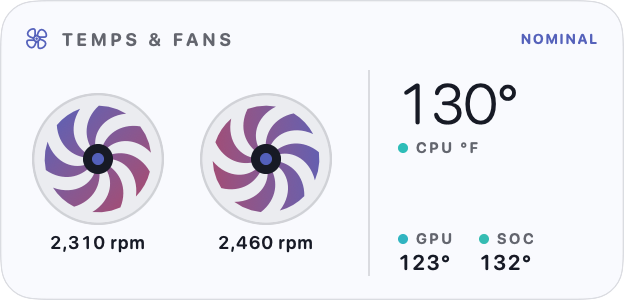
CPU, GPU and SoC heat with live fan speeds
Performance. Reads: Temperature sensors and fans, on this Mac
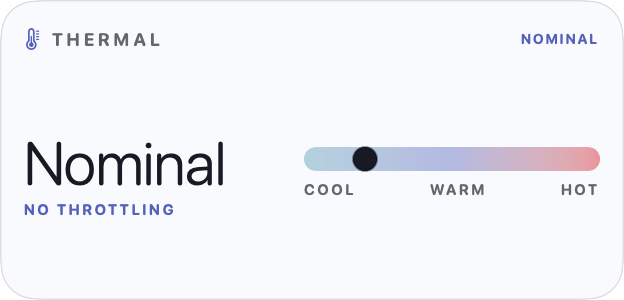
Thermal pressure and recent trend
Performance. Reads: System readings, on this Mac
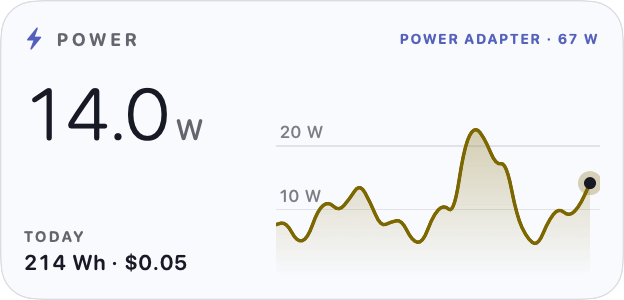
Watts now, energy and cost today
Performance. Reads: Power sensors, on this Mac
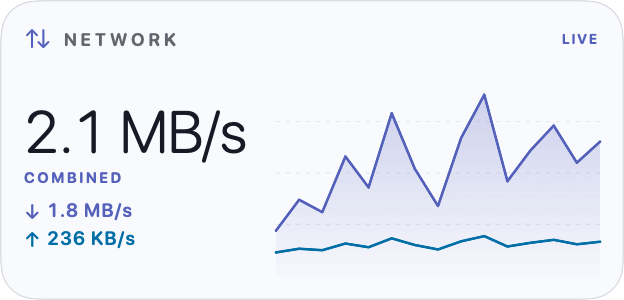
Live upload and download activity
Internet. Reads: Traffic totals and bytes per app, never content or addresses
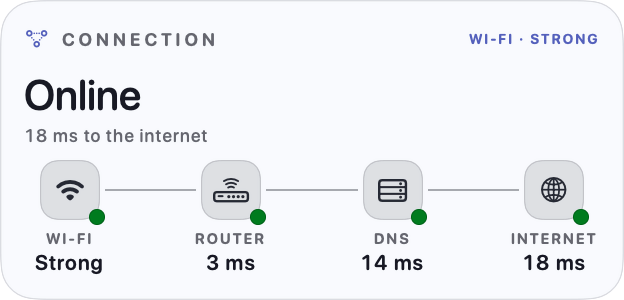
Is it me or the internet?
Internet. Reads: Timings of tiny probes to your router, DNS and the internet
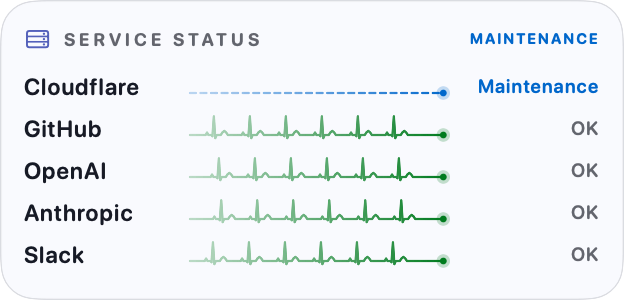
Is it down for everyone?
Internet. Reads: Public status pages, with no account
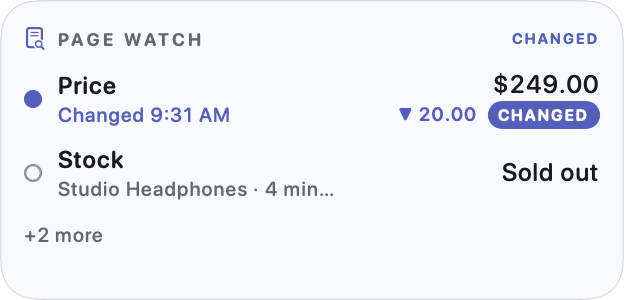
Know when a web page changes
Internet. Reads: Pages you add, read without your browser data
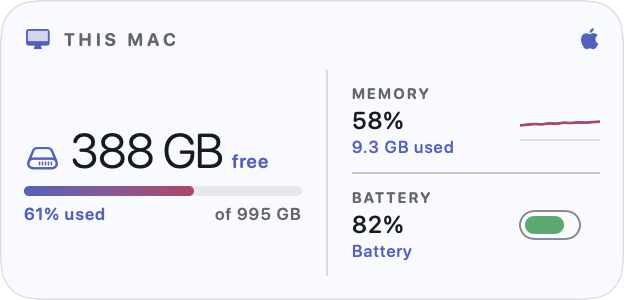
Storage, power and hardware
This Mac. Reads: System readings, on this Mac
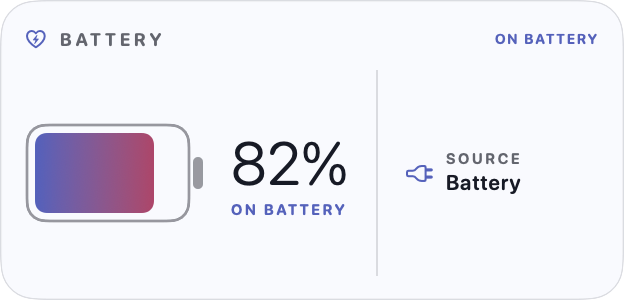
Charge, source and battery status
This Mac. Reads: System readings, on this Mac
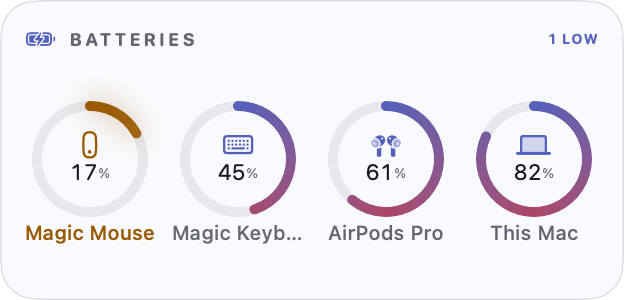
Every connected device's charge
This Mac. Reads: Battery levels macOS already knows
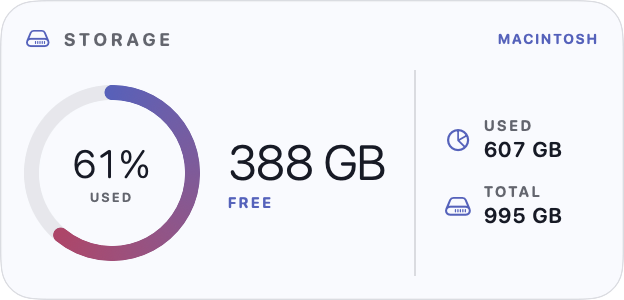
Capacity and used-space overview
This Mac. Reads: Folder sizes, never file contents
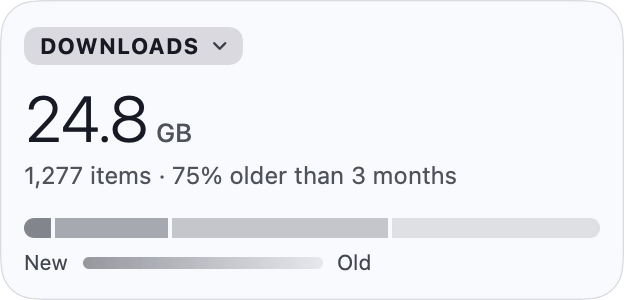
What fills a folder, and how old it is
This Mac. Reads: Folder sizes and dates, never file contents
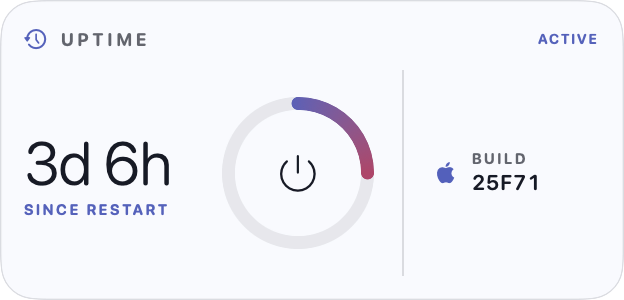
Runtime, system and session rhythm
This Mac. Reads: System readings, on this Mac
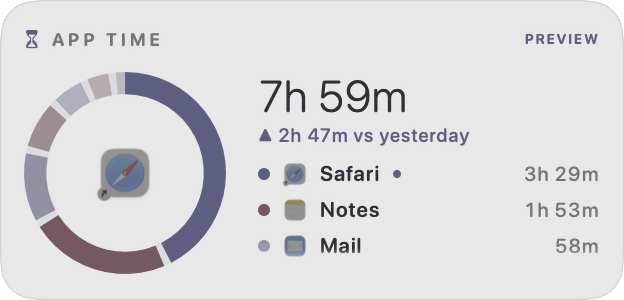
How long you spend in each app today
Activity. Reads: The app in front, on this Mac
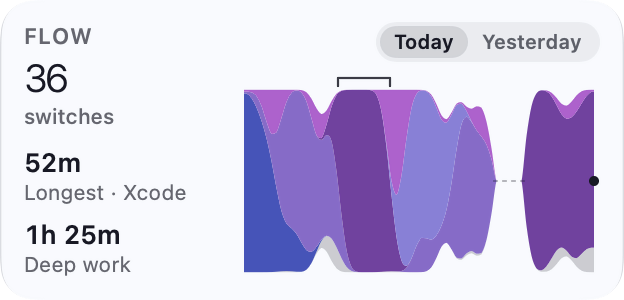
The day's river of apps
Activity. Reads: App Time's history, on this Mac
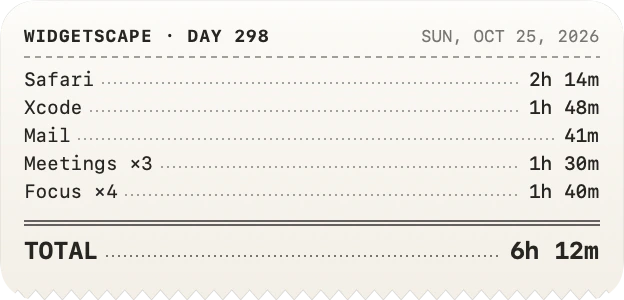
Your day, printed as a receipt
Activity. Reads: What your other widgets already counted, on this Mac
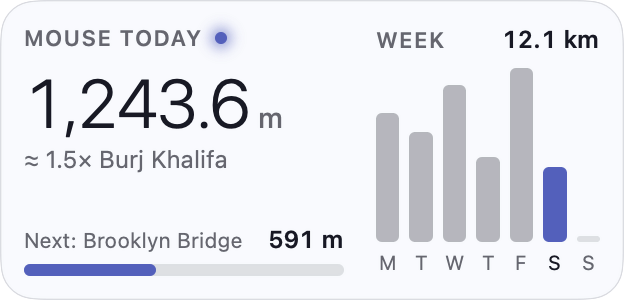
How far the pointer travelled today
Activity. Reads: How far the pointer moves, on this Mac
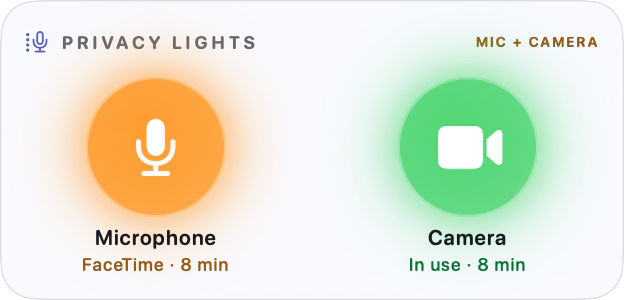
Which apps use the microphone and camera
Activity. Reads: Whether the mic or camera is in use
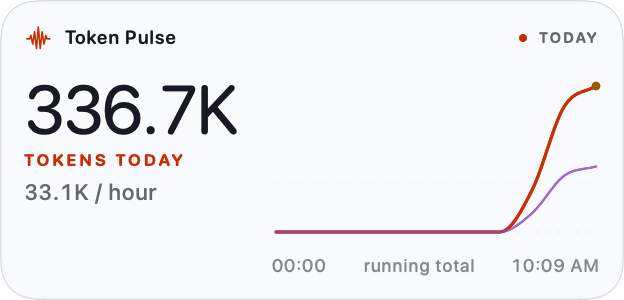
AI usage across your coding tools
Activity. Reads: Usage counts from local AI tool logs
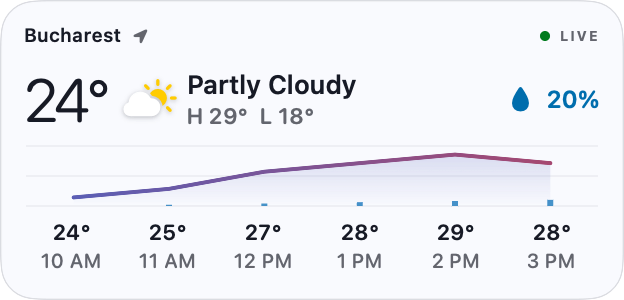
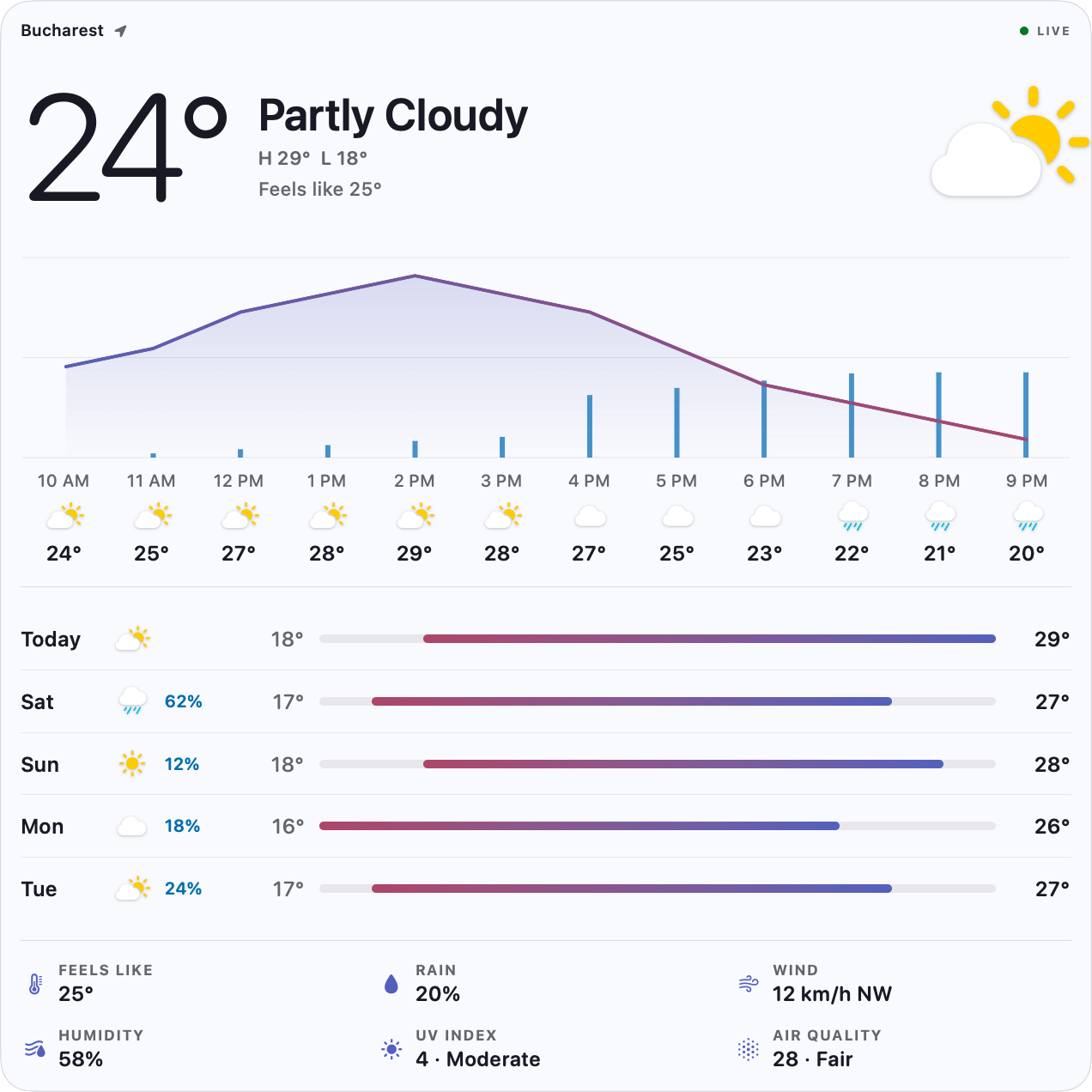
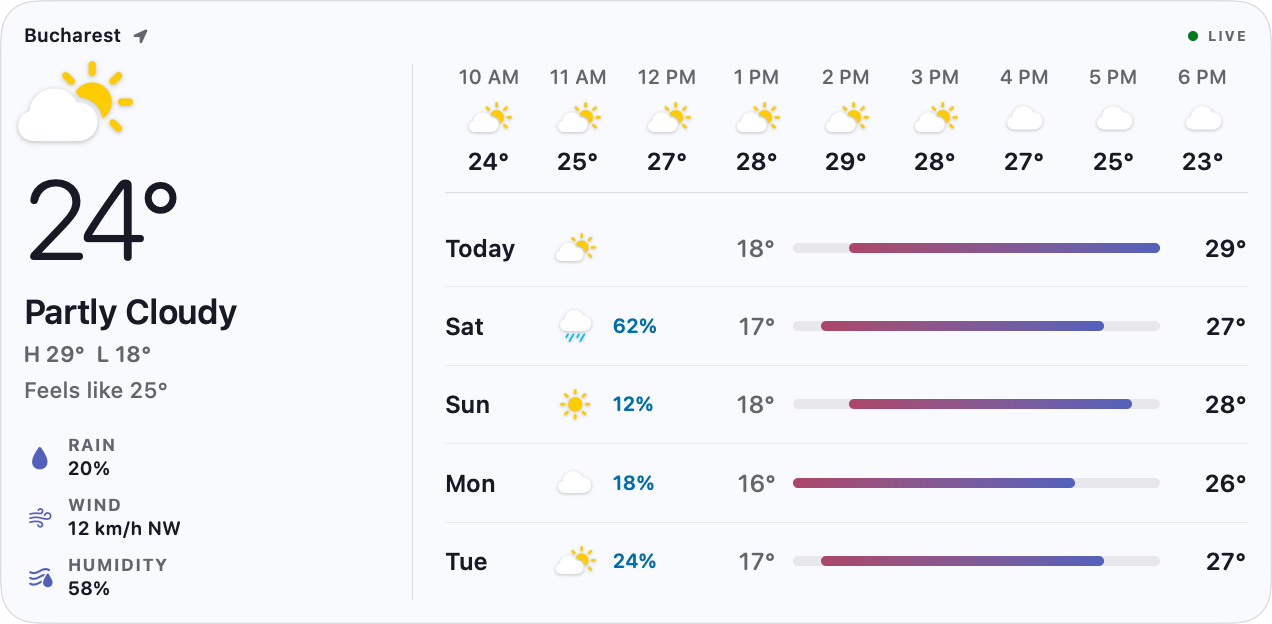
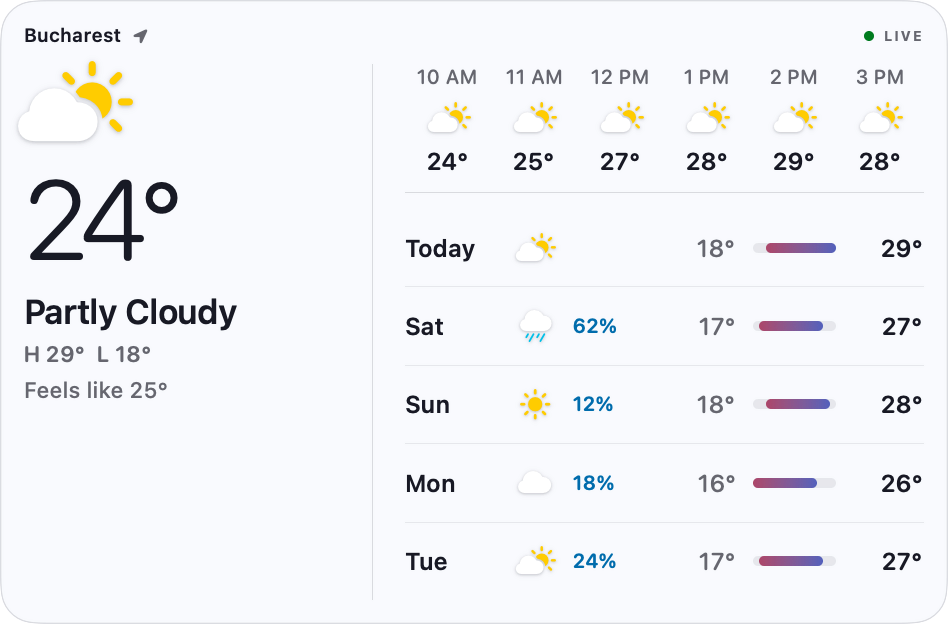
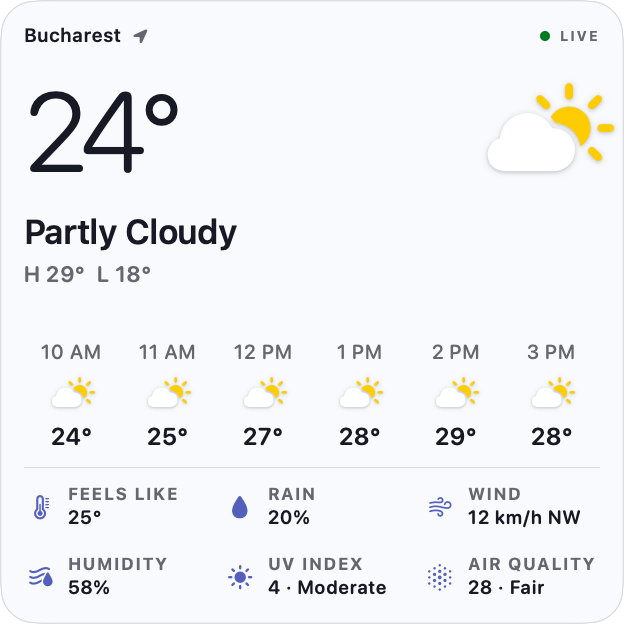
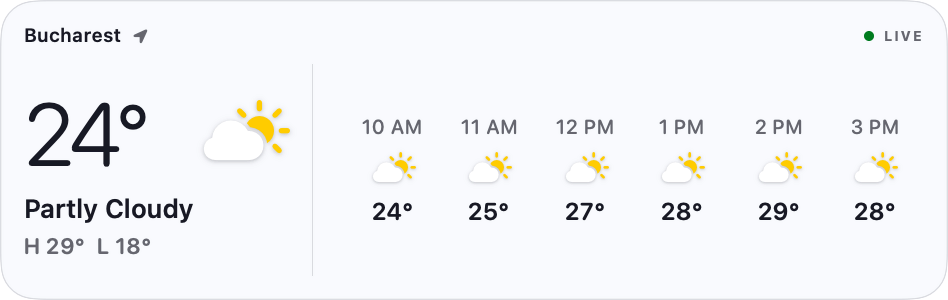
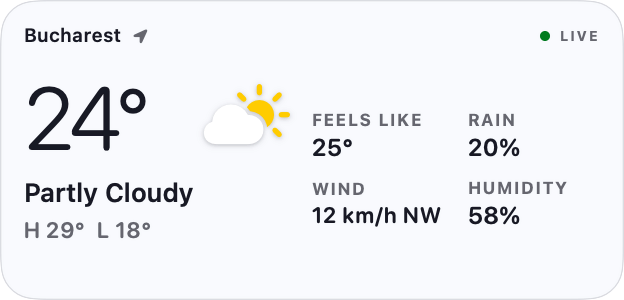
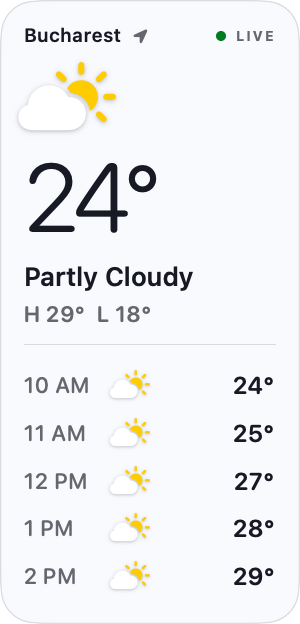
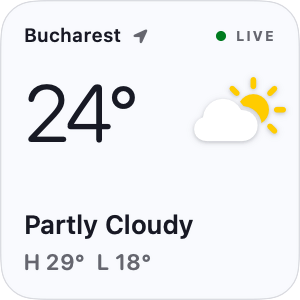
Current conditions and hourly preview
Sky & Weather. Reads: A city, or your location, sent to Apple Weather
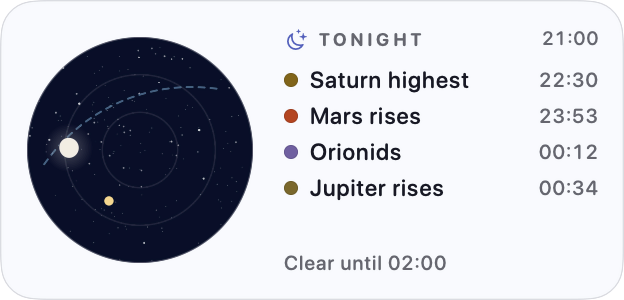
What you can see in the sky tonight
Sky & Weather. Reads: A city, or your location; one public orbit file a day
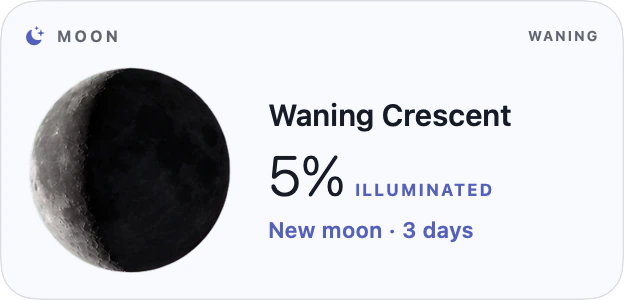
Lunar phase and illumination
Sky & Weather. Reads: Uses no data
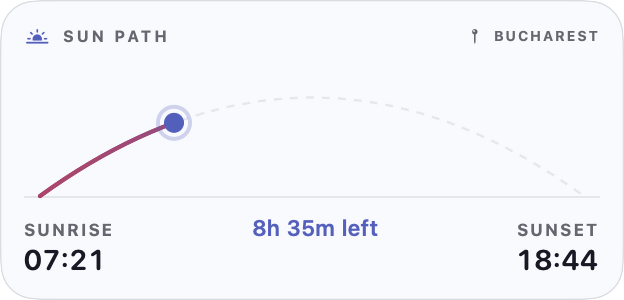
Sunrise, sunset and daylight arc
Sky & Weather. Reads: A city, or your location
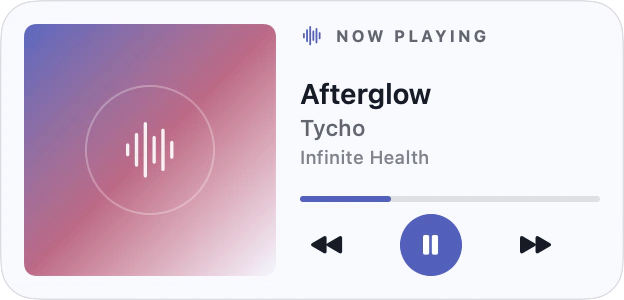
Track, progress and media controls
Lifestyle. Reads: What's playing, from macOS
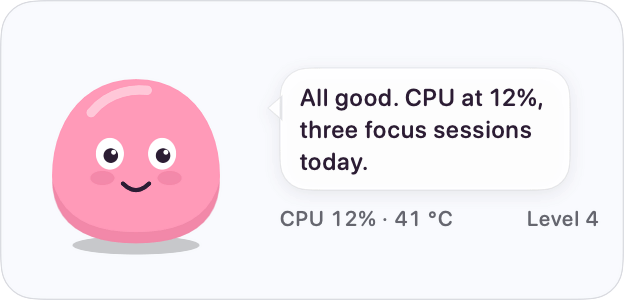
Mochi lives on your desktop and reacts to your Mac
Lifestyle. Reads: What your other widgets already read, on this Mac
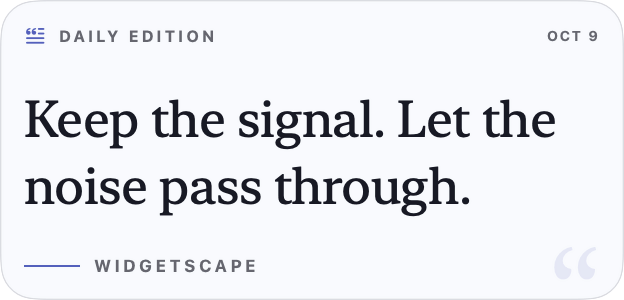
A quiet thought for the desktop
Lifestyle. Reads: Uses no data
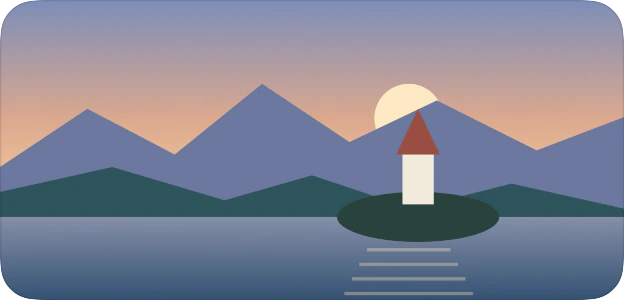
A slideshow from your photos
Lifestyle. Reads: Photos or a folder you choose, on this Mac
Shown with sample data, on Glass in the Twilight palette. See every widget and what it reads.
Styles & Sizes
Widgets snap to one grid in eight sizes, from Small to Huge, and most come in several styles. Each size has a layout of its own, so a widget shows more as it grows. Pick a widget and a style to see all of its sizes, drawn by the app.
Make it yours
Choose a palette, Light or Dark, and a surface (Glass, Solid, Outline or Transparent) in Appearance, and every widget changes together. To adjust one widget, right-click it and choose Customize: General for size and style, Content and Layout for its own options, Privacy for what it reads. Changes show live, and Reset to Default is one click away.
Outline is in the app as well.



Twilight · Dark · Glass
Wallpapers
23 wallpapers in 8K come with the app, free: Liquid Light, Calm, Landscapes and Abstract. Pair a light one with a dark one, and your desktop switches with your Mac’s appearance or at sunset.
 Violet Liquid Light
 Lagoon Liquid Light
 Magma Liquid Light
 Orchid Liquid Light
 Verdant Liquid Light
 Pearl Liquid Light
 Dawn Liquid Light
 Graphite Calm
 Midnight Calm
 Slate Calm
 Sage Calm
 Mist Calm
 Sand Calm
 Ridges Landscapes
 Dunes Landscapes
 Aurora Landscapes
 Deep Landscapes
 Nebula Landscapes
 Folds Abstract
 Forms Abstract
 Bloom Abstract
 Contour Abstract
 Ember Abstract

A wallpaper drawn live from the time, your location and the real weather: the sun where it really is, the light of dawn and dusk, and the moon at night. Click Play a Day in the app to watch a whole day in seconds.
Day Timeline
Your calendar becomes a dial along the edge of your screen, like the one above. Events are the stations, and the needle is now. Point at a station to see what’s on, swipe sideways or drag to tune ahead, and click Join when a call starts. It’s only fine marks on your wallpaper, so it stays out of your way.
More about Day Timeline → Part of Widgetscape Pro, and included in the 14-day trial.
Placing and moving
On first launch, one click places six free widgets on your desktop, clear of your icons. Keep them as they are or rearrange them.
Drag a widget out of the library and your windows step aside while you place it. Later, right-click any widget and choose Move Widgets: a soft dot grid appears, with guides to its neighbors. Hold ⌘ to place it freely.
Pick a display for each widget, show it on every Space or just one, and choose what happens when a monitor is unplugged. Positions are remembered per display.
Privacy
Open any widget’s Privacy tab to see what it reads, where that goes and which permission it uses. Most widgets read no data at all.
Every permission, why it’s asked, and what leaves your Mac →
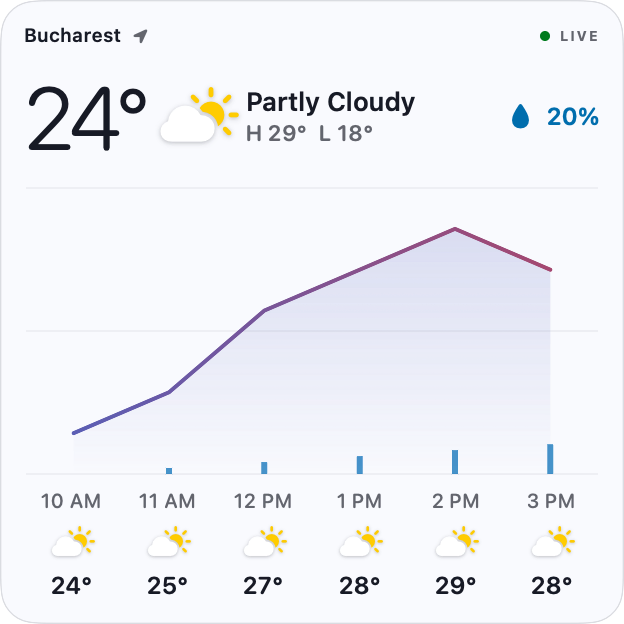
Weather · Privacy
From Reddit
I don't like it; I literally love it.
Take a little time with it, customize it, and it'll become indispensable for you as well.
Very nice design, very functional, and easy to use.
Love Widgetscape! Beautiful widgets, nicely implemented in macOS.
Great UI, and genuinely useful.
Trying it and loving it so far, very nice customizable controls.
Love the aesthetic! Nice color schemes.
Pricing
The trial starts when you open the app. There’s no account to make and no card to enter. Then keep what you love.
€0forever
8 widgets, from clocks and your calendar to the weather and your Mac’s batteries, with every customization option.
€9.99+ VAT · one-time
VAT for your country is added at checkout.
Every widget, yours to keep. No subscription.
A full refund within 14 days, for any reason. Checkout, invoices and VAT by Dodo Payments, our merchant of record. Your license key arrives by email.
Widgetscape is also on Setapp, with every widget. Get it there and Setapp installs it, keeps it up to date and looks after your purchase.
The Setapp edition is a separate copy: a license from this site doesn’t unlock it, and it starts with its own settings.

FAQ
The download is free and includes 14 days of every widget. After that, 8 widgets stay free forever: Time, Analog Clock, Calendar, Focus Timer, System Pulse, Batteries, Weather, Moon Phase. Widgetscape Pro unlocks the rest for €9.99 + VAT, paid once, for up to 2 Macs. There is no subscription.
The 8 free widgets keep working. The others stay where they are as a small locked card with Buy and Enter License, and they keep their settings. Unlock Widgetscape Pro and they come straight back.
Yes. Widgetscape is on Setapp with every widget, and Setapp installs it, updates it and handles the purchase. It is a separate edition: a license bought here doesn’t unlock it, and it keeps its own settings.
Rainmeter runs only on Windows, and no app runs its skins on a Mac. Übersicht is free and open source, and you write its widgets yourself in JavaScript and HTML. Widgetscape gives you ready-made native widgets that work in minutes and match each other. It doesn’t run skins or your own scripts, so for a widget built around a script you wrote, Übersicht is the better tool. Rainmeter for Mac · Übersicht alternative
Widgetscape is written in Swift and uses no web views. Widgets redraw only when what they show changes, and widgets you can’t see, behind a window or on another Space, do no work. System readings are taken only while a widget that shows them is visible, and less often in Low Power Mode.
Each widget reads what it needs on your Mac, and its Privacy tab lists exactly what that is. Nothing a widget shows passes through our servers. Connected calendars and mail talk straight to Apple, Google or Microsoft, and Weather sends rounded coordinates to Apple Weather. The app also sends anonymous usage counts, about once a day and shortly after you add or remove a widget, and never what your widgets show. They’re on by default, and you can turn them off in Settings › Privacy. Read the privacy policy.
macOS 14 Sonoma or later, on a Mac with Apple silicon (M1 or later). Intel Macs aren’t supported.
Widgets live behind your windows, so they suit a large or second display, Stage Manager, or a habit of clearing your windows away. Day Timeline sits along a screen edge and widgets fit beside the Dock, where windows rarely reach. Try the 8 free widgets for a week and see whether you look at them.
Yes. Widgetscape is signed with a Developer ID and notarized by Apple, and every update is signed too. Updates download in the background and install while the app’s window is closed; you can turn this off in Settings › Updates. It comes straight from this site because Now Playing for Music, Spotify and browsers, Privacy Lights and the batteries of your other devices need system access the Mac App Store doesn’t allow. Download it only from this site or from Setapp.
A license is personal and covers up to 2 Macs that you own or use. To move it, choose Deactivate This Mac in Settings › License on the old Mac, or free it up on Manage your license if that Mac is gone. Your key arrives by email and on the confirmation page, where Open in Widgetscape fills it in for you.
Yes. Ask within 14 days of purchase, for any reason, at support@vpolabs.com with your order reference, and you get a full refund. Your license key is disabled when the refund goes through. Payments and refunds are handled by Dodo Payments, our merchant of record. See the terms.
Drift is now Widgetscape: the same widgets, a new name and a lot more. Here’s how to move over.
Download Widgetscape, click Set Up My Desktop, and try every widget free for 14 days.
Version 1.5.0 (46) · macOS 14+ · Apple silicon · Notarized by Apple