
Help
Widgetscape Help
Find out how to put widgets on your desktop, change how they look and keep your data private.
Basics
Your desktop
Widgets
Account & privacy
Help
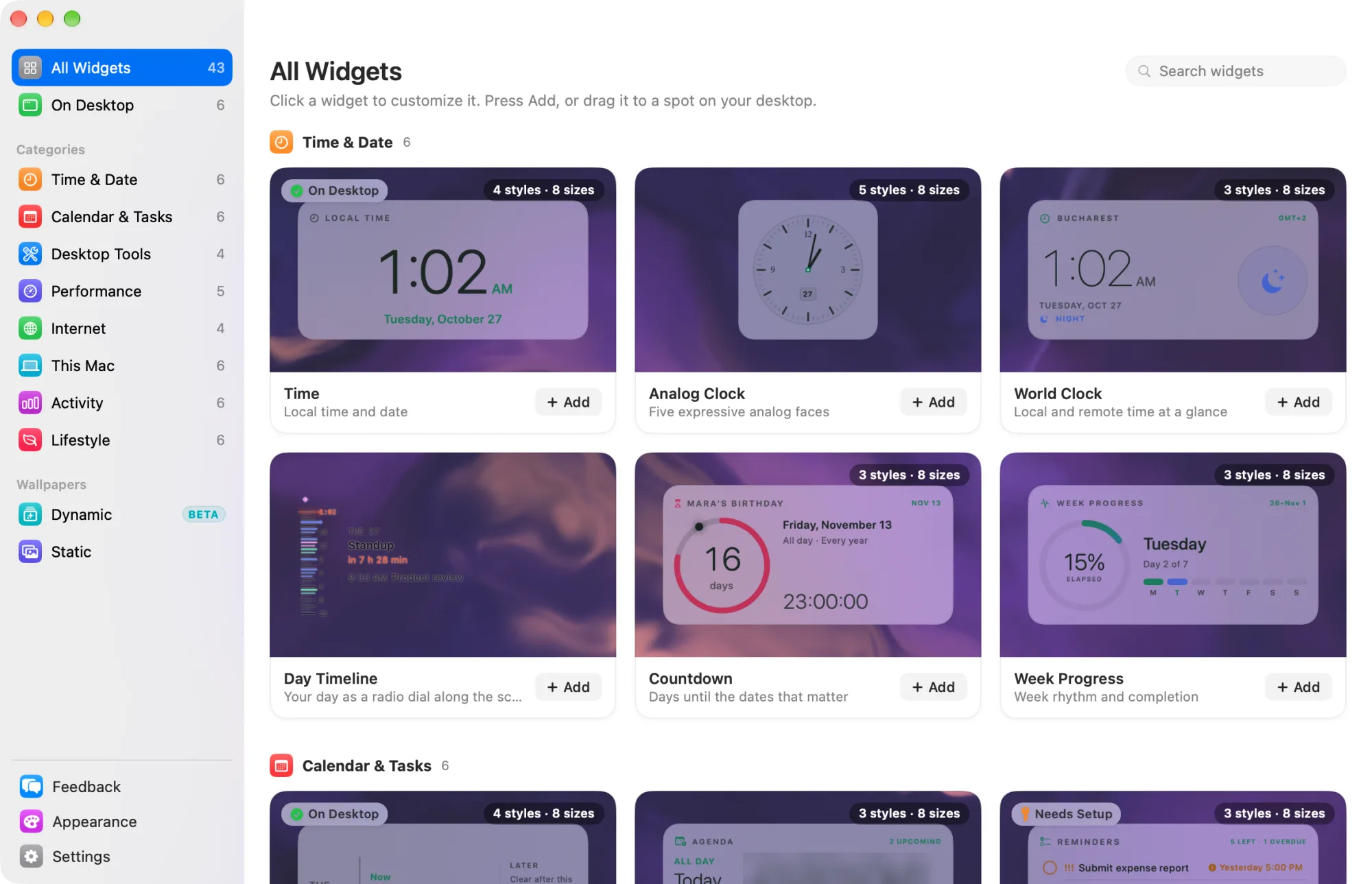
Widgetscape puts live widgets on your Mac desktop, just behind your windows: clocks, calendars, weather, system readings, music and more. You choose widgets in the Widgetscape window, and the Desktop Agent draws them on your desktop, even when the window is closed. New to Widgetscape? Start with Get started.
Basics
Your desktop
- Stacks
- Appearance
- Displays and the Lock Screen
- Hide widgets and Presentation Mode
- Wallpapers
- Keyboard shortcuts
Widgets
- Time & Date widgets
- Calendar & Tasks widgets
- Desktop Tools widgets
- Performance widgets
- Internet widgets
- This Mac widgets
- Activity widgets
- Lifestyle widgets