The collection
All 31 desktop widgets for your Mac
Widgetscape is a native macOS app with 31 live widgets for the desktop, in four groups: Time, Productivity, System and Lifestyle. Each one comes in up to eight sizes on one grid, wears the palette you choose, and says exactly what it reads. 8 are free forever; the rest are part of Widgetscape Pro, and every download includes a 14-day trial of all of them.
macOS 14+ · Apple silicon · Notarized by Apple · No account
Time 4
Clocks for here and elsewhere, and Day Timeline, which turns the day’s calendar into a dial along the edge of your screen.
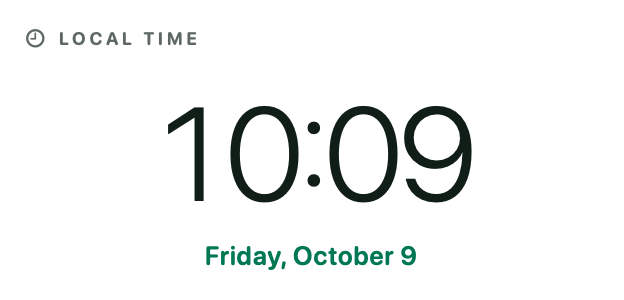
Time Free
Local time and date.
Reads: Uses no data
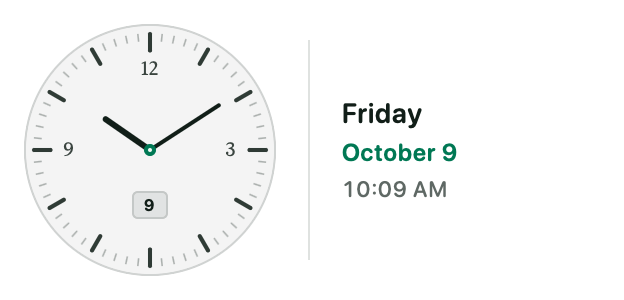
Analog Clock Free
Five expressive analog faces.
Reads: Uses no data
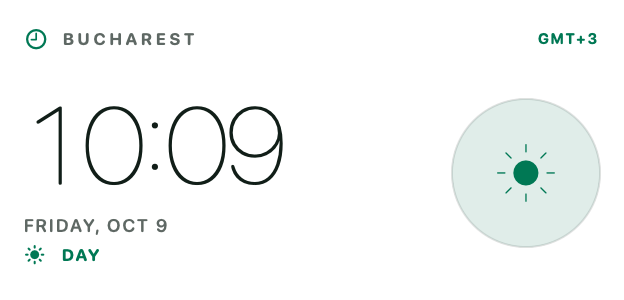
World Clock Pro
Local and remote time at a glance.
Reads: Uses no data
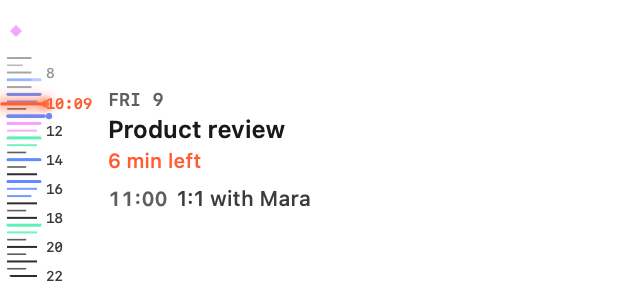
Day Timeline Pro
Your day as a radio dial along the screen edge. More about Day Timeline
Reads: Calendars, on this Mac
Productivity 12
Your calendar, agenda, reminders, mail and focus sessions, plus widgets for people who build things: Repo Pulse for Git and Token Pulse for AI coding tools.
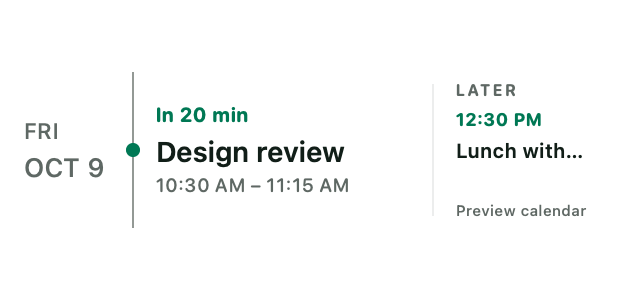
Calendar Free
Month and today's agenda.
Reads: Calendars, on this Mac
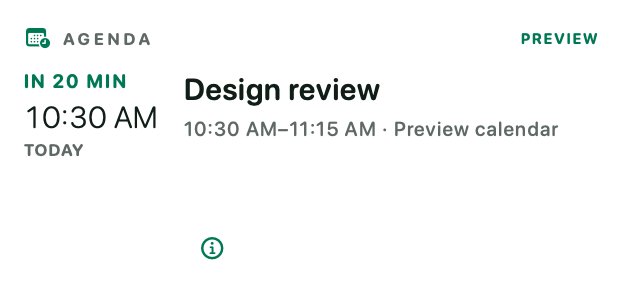
Agenda Pro
The next moments in your day.
Reads: Calendars, on this Mac
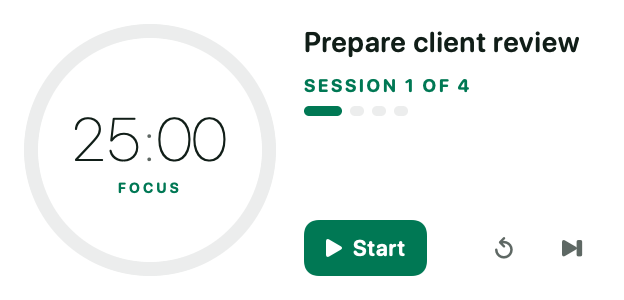
Focus Timer Free
A calm visual focus session.
Reads: Uses no data
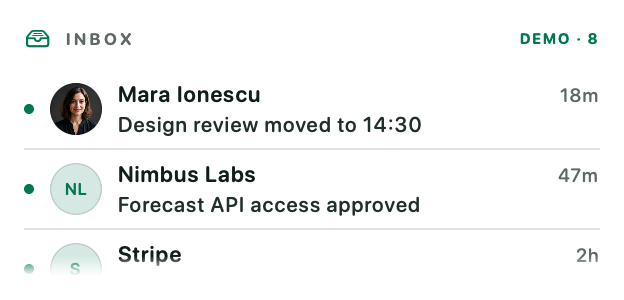
Email Pro
Inbox, priorities and replies at a glance.
Reads: A mail account you connect, read-only
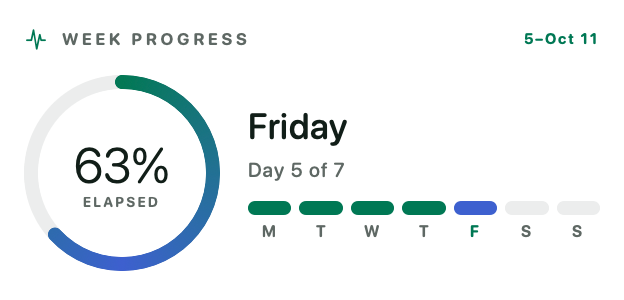
Week Progress Pro
Week rhythm and completion.
Reads: Uses no data
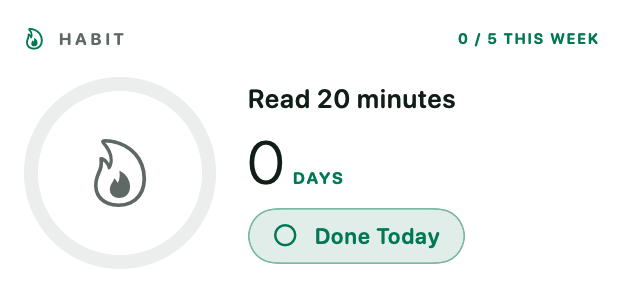
Habit Streak Pro
Daily consistency and streaks.
Reads: Uses no data
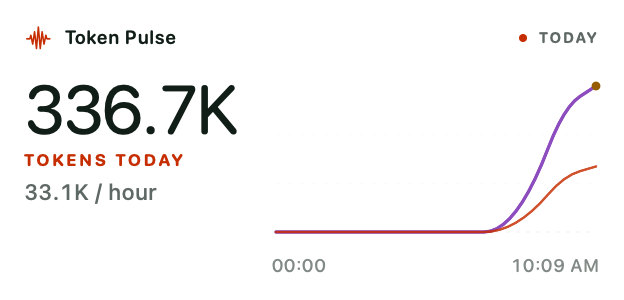
Token Pulse Pro
AI usage across your coding tools. More about Token Pulse
Reads: Usage counts from local AI tool logs
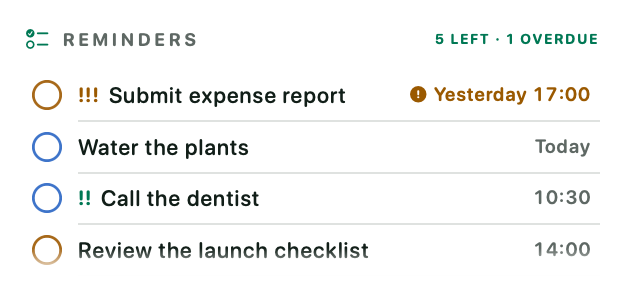
Reminders Pro
Today's reminders and what is overdue.
Reads: Reminders, on this Mac
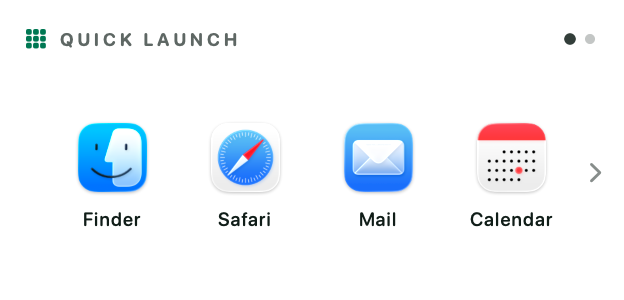
Quick Launch Pro
Your favourite apps, shortcuts, files and links, one click away.
Reads: Only what you add
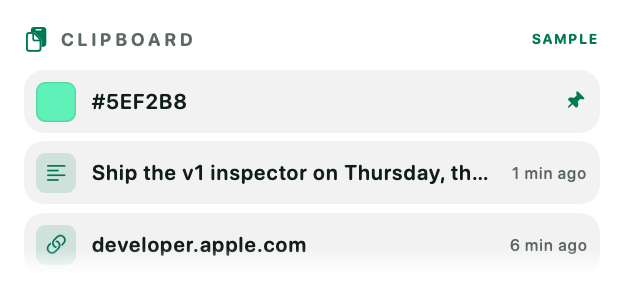
Clipboard Pro
Recent copies, ready to paste again.
Reads: What you copy, kept on this Mac
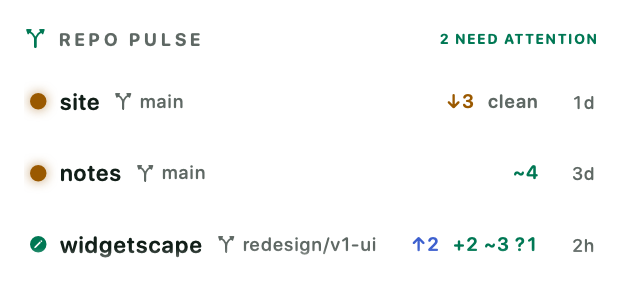
Repo Pulse Pro
Branches, changes and commits in your repositories.
Reads: Git status of folders you choose
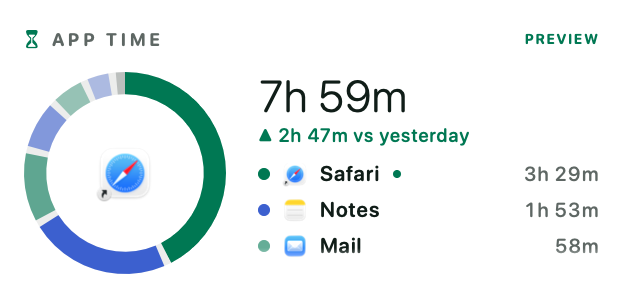
App Time Pro
How long you spend in each app today.
Reads: The app in front, on this Mac
System 9
A live look at your Mac: CPU, memory, thermal state, storage, network, batteries and which app is using the microphone or camera.
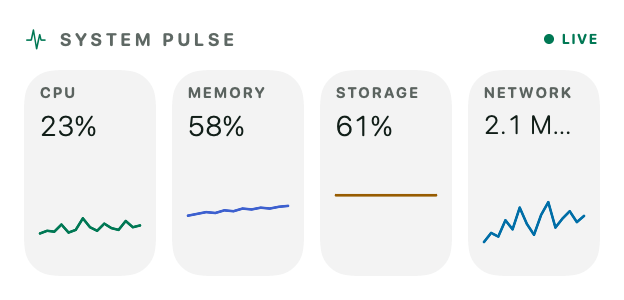
System Pulse Free
CPU, memory and thermal state.
Reads: System readings, on this Mac
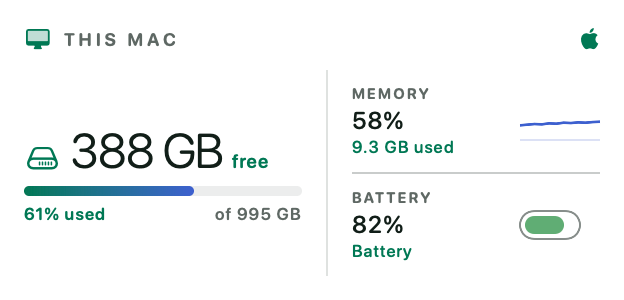
This Mac Pro
Storage, power and hardware.
Reads: System readings, on this Mac
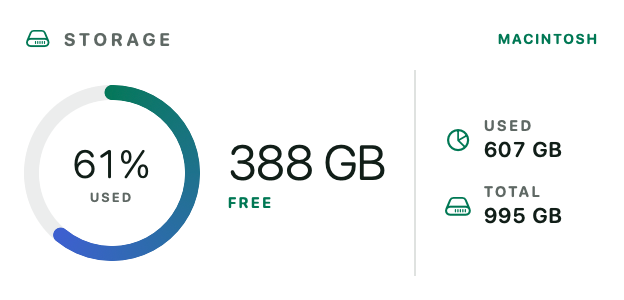
Storage Breakdown Pro
Capacity and used-space overview.
Reads: Folder sizes, never file contents
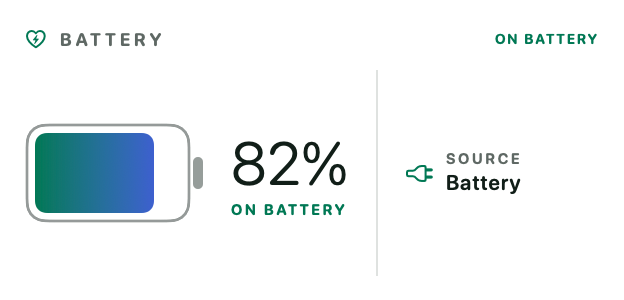
Battery Health Pro
Charge, source and battery status.
Reads: System readings, on this Mac
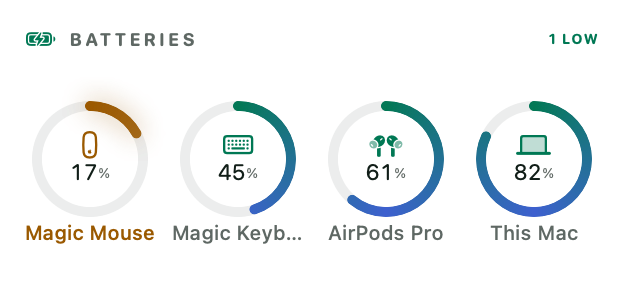
Batteries Free
Every connected device's charge.
Reads: Battery levels macOS already knows
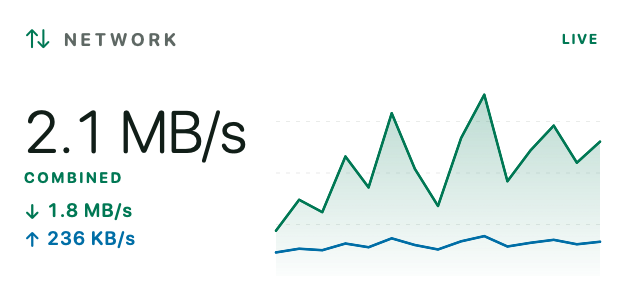
Network Monitor Pro
Live upload and download activity.
Reads: Traffic totals, never content
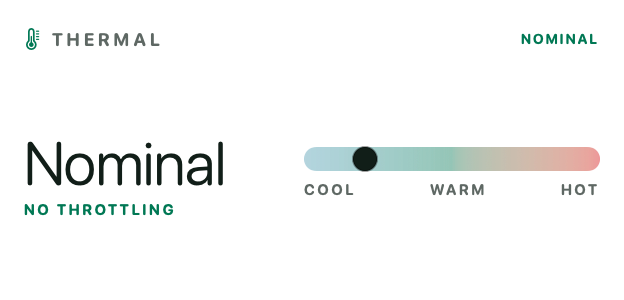
Thermal Monitor Pro
Thermal pressure and recent trend.
Reads: System readings, on this Mac
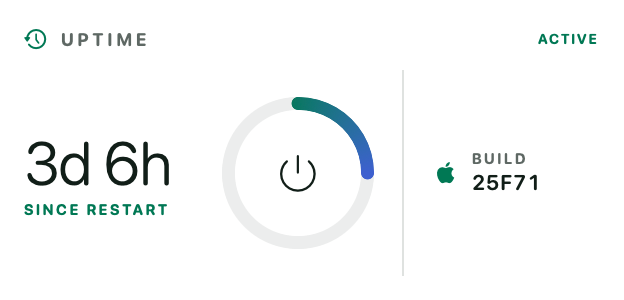
Uptime & Sessions Pro
Runtime, system and session rhythm.
Reads: System readings, on this Mac
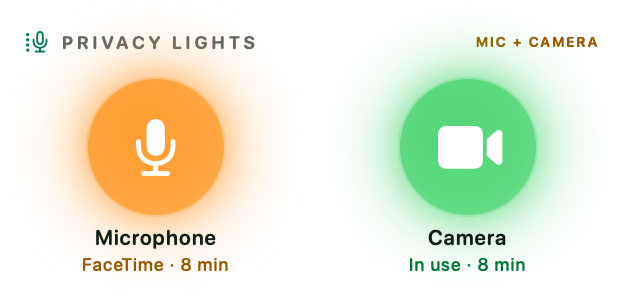
Privacy Lights Pro
Which apps use the microphone and camera.
Reads: Whether the mic or camera is in use
Lifestyle 6
Weather from Apple Weather, what’s playing, the moon and the sun’s path, a daily quote and a photo slideshow.
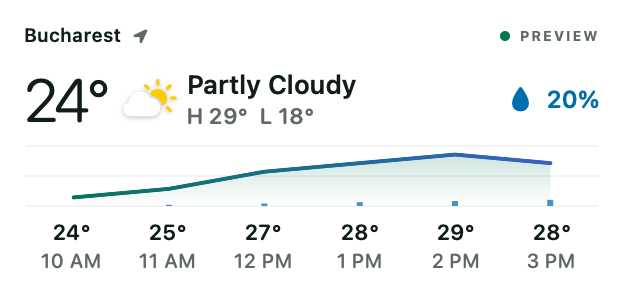
Weather Free
Current conditions and hourly preview.
Reads: A city, or your location, sent to Apple Weather
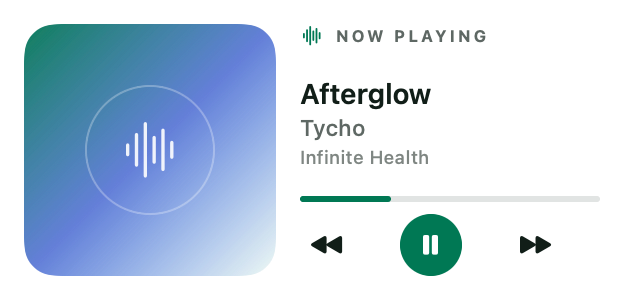
Now Playing Pro
Track, progress and media controls.
Reads: What's playing, from macOS
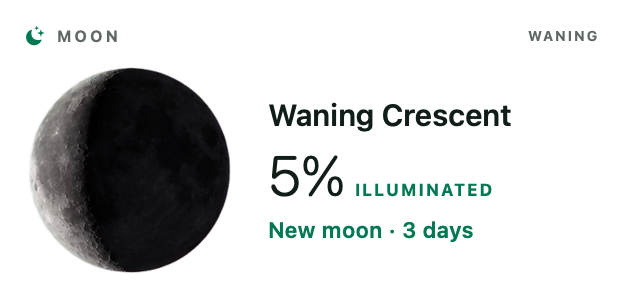
Moon Phase Free
Lunar phase and illumination.
Reads: Uses no data
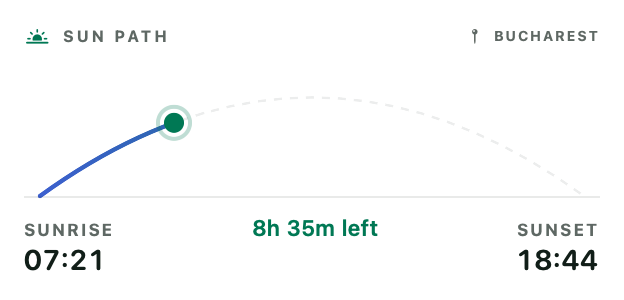
Sun Path Pro
Sunrise, sunset and daylight arc.
Reads: A city, or your location
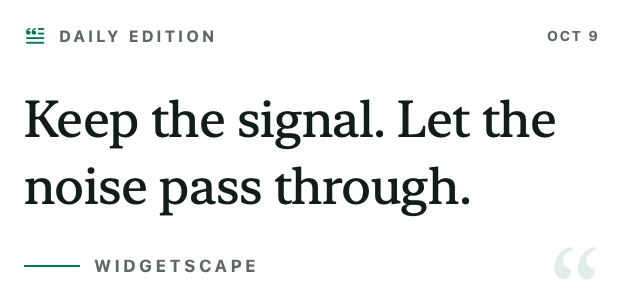
Daily Quote Pro
A quiet thought for the desktop.
Reads: Uses no data

Photo Frame Pro
A slideshow from your photos.
Reads: Photos or a folder you choose, on this Mac
Shown with sample data, in the Aurora palette. “Free” widgets stay free after the trial; “Pro” widgets need Widgetscape Pro (€9.99 + VAT, one-time).
What “reads” means
Every widget has a Privacy tab in the app that lists what it reads, where that goes and which macOS permission it uses — the same line you see under each widget above. Most widgets use no data at all. Widgets that need your calendars, location or photos ask macOS for permission the first time you add them, never before.
What a widget shows stays on your Mac. Connected calendars and mail talk directly to Apple, Google or Microsoft, and the Weather widget sends only the place’s coordinates, rounded to about a kilometre, to Apple Weather. Read the privacy policy for the details.
Sizes, styles and one look
Widgets snap to a grid of 150-point cells with 12-point gaps. Each widget offers the sizes its layouts support, from Small (1×1) to Huge (4×4), and each size is a layout of its own rather than a stretched copy. Most widgets also have several faces — Analog Clock has five, Weather six.
The look is shared: choose one of 23 palettes (or make your own), Light, Dark or follow the system, and a Glass, Solid, Outline or Transparent surface, and every widget changes at once.
Free widgets
These 8 widgets — two from every group — stay free forever, with every customization option: Time, Analog Clock, Calendar, Focus Timer, System Pulse, Batteries, Weather, Moon Phase.
- Time
- Analog Clock
- Calendar
- Focus Timer
- System Pulse
- Batteries
- Weather
- Moon Phase
Two widgets you won’t find elsewhere
Day Timeline turns the day’s calendar into a radio-tuner dial along any edge of the screen: events are stations, the needle is now. Token Pulse shows how many tokens your AI coding tools — Claude Code, Codex, Gemini CLI and more — have used today, this week or this month, read from their logs on your Mac.
Try all 31 for 14 days.
No account and no card. When the trial ends, the 8 free widgets keep working and nothing is deleted.
macOS 14+ · Apple silicon · Notarized by Apple